
WP Wand Pro
History
History keeps everything WP Wand has written for you, newest first. So you can find a piece again months later.
History is a Pro feature. To open it, go to “WP Wand > History” from WordPress menu.
WP Wand keeps the history on the free version too. So, when you upgrade, the pieces you wrote before are already there.
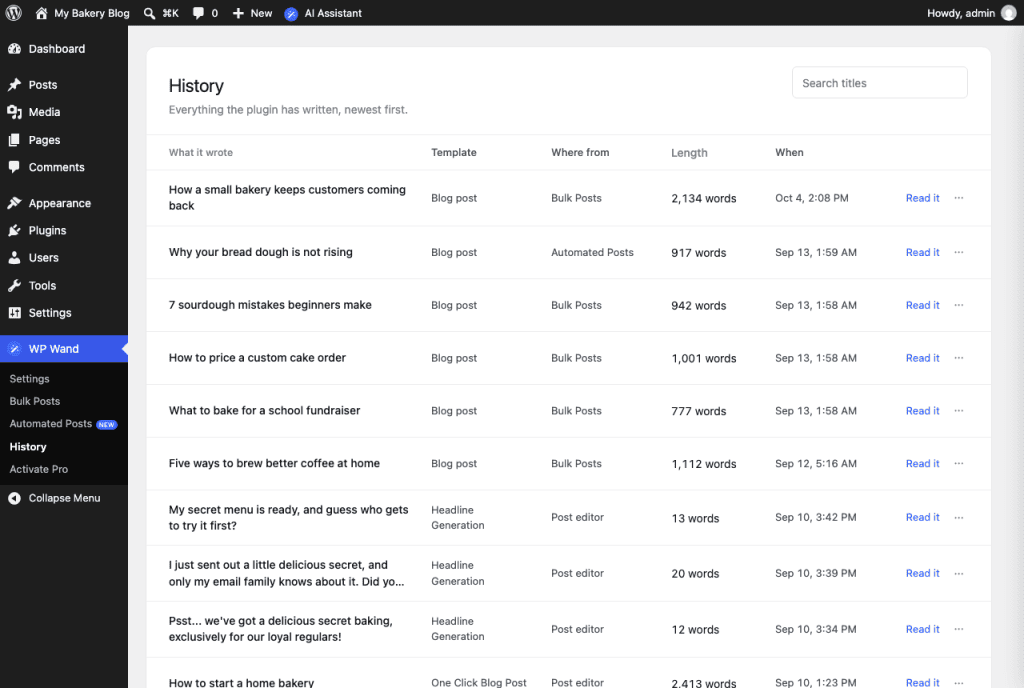
What you see
- What it wrote: The title of the piece.
- Template: The template it was written with.
- Where from: The place it was written in. This can be Post editor, Bulk Posts or Automated Posts.
- Length: How many words it has.
- When: The date and time it was written.
How to find a piece
Type a word from its title in the Search titles box and press Enter. Clear the box to see everything again.
The list shows 20 at a time, so use Previous and Next at the bottom to move through the pages.
How to read or delete a piece
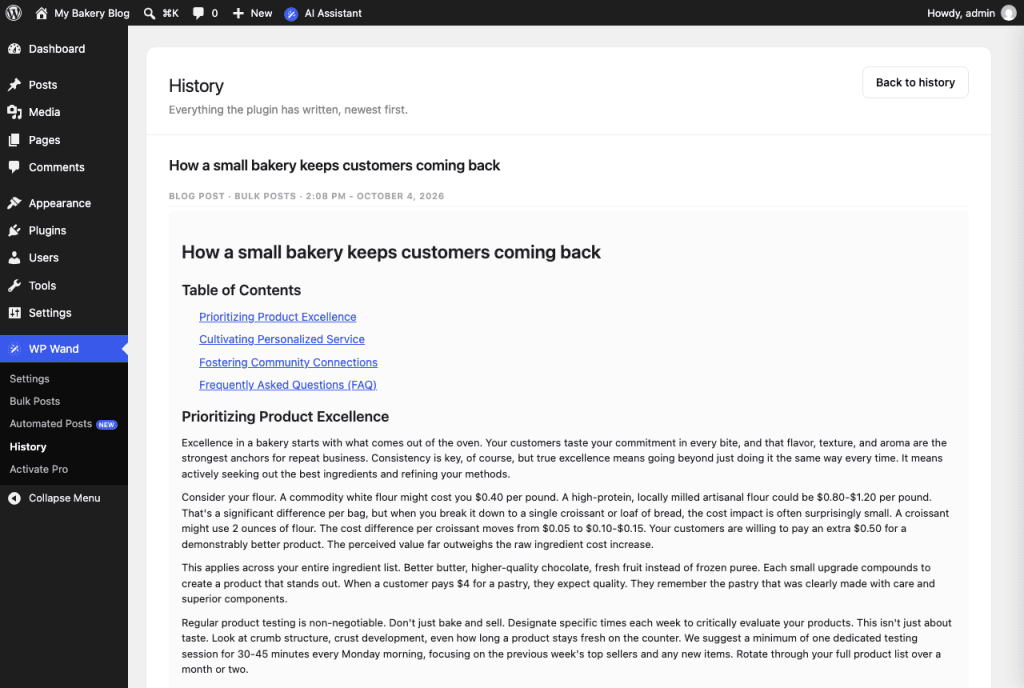
Click on Read it to open the full text.
To delete one, click on the ⋯ button and then on Delete.
